
· Anahit Sukiasyan · product updates · 12 min read
Model Context Protocol for Jira: AI-Powered Requirements Management with easeRequirements MCP Server
By Anahit Sukiasyan, Atlassian Certified Professional and Community Champion
Requirements engineering has never been short of tools. The harder problem has always been making those tools work together without creating more manual work.
A requirements engineer working in Jira may need to navigate a hierarchy, locate a requirement, understand its relationships, check coverage, move work items between spaces, create links, and verify that the resulting structure still makes sense. None of these tasks is particularly difficult on its own. The challenge appears when there are hundreds or thousands of requirements and the work has to be repeated across spaces.
This is where the Model Context Protocol, or MCP, becomes interesting.
MCP provides a standard way for AI applications to connect to external systems and use tools exposed by those systems. Instead of an AI assistant simply describing how to perform an action in Jira, an MCP-enabled agent can access the relevant system, retrieve information, reason over it, and perform supported actions on behalf of an authenticated user.
With the easeRequirements MCP Server, that capability comes directly into easeRequirements for Jira requirements management.
AI clients such as Claude, Microsoft 365 Copilot, Atlassian Rovo, ChatGPT, and GitHub Copilot can connect to easeRequirements and interact with Jira Cloud requirements hierarchies using natural language.
The result is a different way of working with requirements: instead of navigating every step manually, requirements engineers can describe the outcome they need and let an AI agent coordinate the underlying operations.
What is MCP and why does it matter for Jira?
The Model Context Protocol is an open standard designed to connect AI applications with external tools and data sources.
A useful way to think about MCP is as a bridge between an AI conversation and an application.

For requirements engineering, this distinction is important.
A conventional AI assistant might tell you:
Open the project tree, find the requirement, and move it under the appropriate folder.
An MCP-enabled assistant can instead work with the underlying Jira environment and, where the available tools and permissions allow it, carry out those operations.
That turns AI from an answer generator into an interface for interacting with requirements data.
This is particularly valuable in Jira because requirements are rarely isolated issues. Teams often use hierarchical structures to represent business requirements, system requirements, components, features, constraints, use cases and other artifacts. easeRequirements adds dedicated requirements management capabilities such as hierarchical structures, traceability, coverage analysis and change impact analysis on top of Jira.
How the easeRequirements MCP Server works
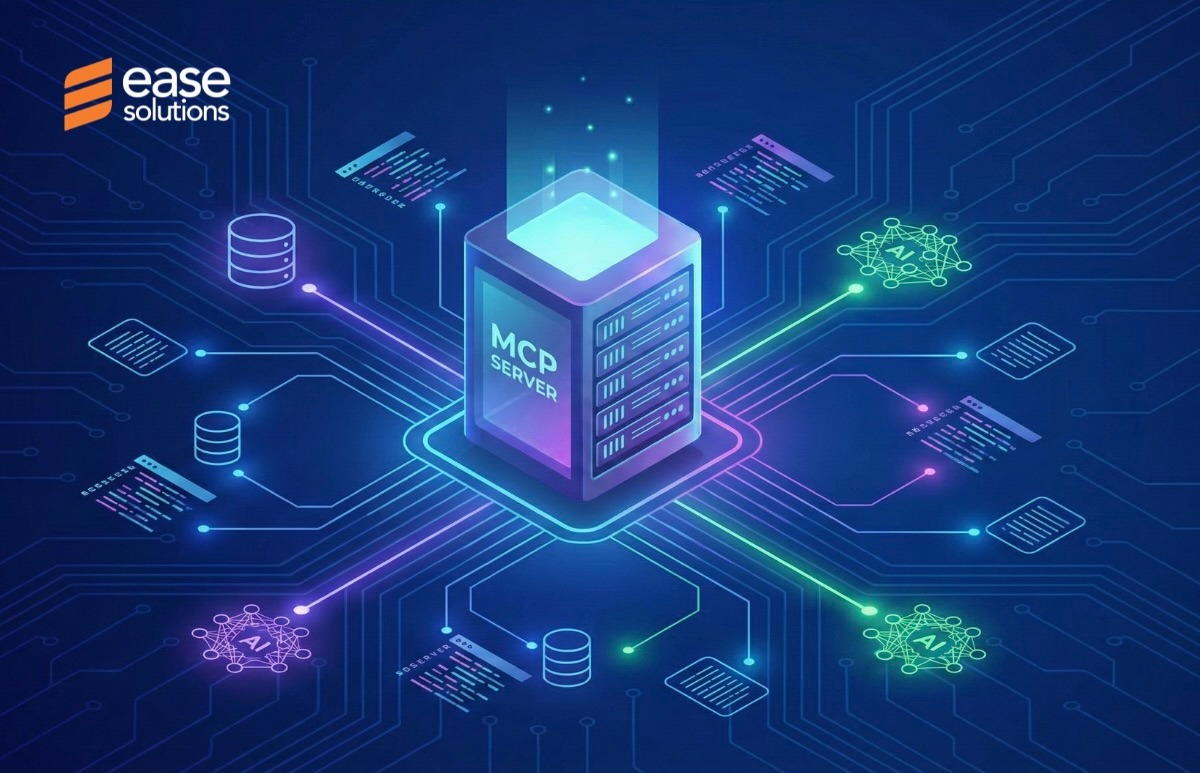
The easeRequirements MCP Server exposes purpose-built tools for interacting with easeRequirements structures in Jira Cloud.
The interaction starts by connecting the AI client to the user’s Jira environment. The agent identifies the available Jira Cloud sites and selects the site that should be used for the current session. From there, it can work with spaces where easeRequirements hierarchies are activated.
The important architectural principle is that the AI agent does not receive some unrestricted administrative identity.
Tool execution takes place on behalf of the authenticated Atlassian user. Jira permissions and the easeRequirements license therefore remain relevant to each operation.
In practical terms:
| Traditional workflow | MCP-enabled workflow |
|---|---|
| Navigate Jira manually | Describe the task |
| Search for a space | Ask the agent to find it |
| Open the requirements tree | Ask for the relevant hierarchy |
| Find individual work items | Search using natural language and JQL |
| Move work items one by one | Request a structured tree operation |
| Cross-check relationships | Ask the agent to analyze them |
| Perform changes manually | Review and confirm supported changes |
The value is not that the underlying Jira functionality disappears. It is that the interaction layer changes.
What can you do with the easeRequirements MCP Server?
The current toolset covers several areas of requirements management.
Navigate and search requirements
An AI agent can retrieve activated projects, inspect project trees, explore the children of a specific requirement, identify spaces containing a work item, and search within requirements hierarchies using JQL.
This makes questions such as these much more practical:
- “Show me the requirements under the payment component."
- "Find all requirements in this tree related to authentication."
- "Which spaces contain this requirement?”
For large requirements repositories, this is more than a convenience feature. It reduces the amount of contextual switching required to answer basic questions about the structure of a product.
Reorganize requirements hierarchies
The MCP Server can add existing Jira work items to a requirements tree, move work items to another parent, and remove work items from the hierarchy.
This becomes particularly useful during restructuring.
For example, imagine a product team has reorganized its architecture and now needs to move dozens of requirements from an old component folder into a new structure.
Instead of manually locating and moving each item, an engineer could ask:
Move the requirements currently under the legacy authentication folder to the new identity management folder.
The AI agent can investigate the structure, identify the affected items and prepare the operation.
For destructive or potentially disruptive operations, the workflow is designed around explicit confirmation. The agent presents a summary of affected items before the operation is executed.
That confirmation step matters. AI automation is most useful when it removes repetitive work without removing human control.
Manage Jira work item links
Requirements rarely exist independently. Their value often depends on their relationships with other artifacts.
The MCP Server can retrieve available Jira link types and create directional links between Jira work items.
This opens the door to natural language traceability workflows.
For example:
Create a block relationship between the authentication requirement and the implementation work item.
Or:
Find requirements in this folder that appear to be missing downstream relationships.
The AI can combine searching, interpretation and supported actions rather than forcing the engineer to perform each step separately.
From commands to workflows
The most interesting part of MCP is not any individual tool. It is what happens when an AI agent combines several tools into a workflow.
Consider requirements coverage.
A requirements engineer might want to know:
Which requirements in this folder are missing verification links?
Answering that manually could involve searching the hierarchy, inspecting individual work items, checking links, recording gaps and then deciding what needs to change.
With an MCP-enabled workflow, the agent can use the available search and hierarchy capabilities to gather the relevant information and present the findings in one conversation. The engineer can then decide what action should follow.
This creates a useful pattern:
Ask → investigate → interpret → propose → confirm → execute
That pattern is particularly powerful for requirements engineering because many tasks are investigative before they are operational.
Three practical workflows for requirements teams
1. Restructuring a large requirements tree
Suppose a product has grown from one application into several interconnected modules.
The requirements tree has become difficult to maintain, with old folders, misplaced requirements and inconsistent structures.
Instead of manually auditing the hierarchy, the engineer can ask the AI agent to inspect a particular branch and identify structural problems.
A typical workflow could look like:
- Retrieve the project tree.
- Inspect a specific parent and its children.
- Identify work items that belong elsewhere.
- Resolve the relevant Jira work items.
- Propose the new structure.
- Ask for confirmation.
- Execute the approved moves.
The engineer remains responsible for the decision, while the repetitive navigation is delegated to the agent.
2. Finding requirements gaps
Requirements coverage is another strong use case.
A team might ask:
Which requirements in space X have no verification relationship?
The agent can search the relevant requirements structure, inspect relationships and surface candidates for review.
This is especially useful before a release or formal review, when teams often need to answer questions such as:
- Which requirements are not covered?
- Which requirements have no downstream relationships?
- Which areas contain orphaned requirements?
- What could be affected if this requirement changes?
The goal is not to let AI make the engineering judgment. The goal is to make the evidence available much faster.
3. Cleaning up requirements repositories
Large Jira environments naturally accumulate clutter.
Requirements get duplicated. Work items become orphaned. Old structures remain after reorganizations. Relationships are sometimes forgotten.
A useful maintenance workflow could start with:
Scan this project tree and identify potentially duplicated requirements.
The agent can analyze the relevant information and produce a list for review.
The engineer can then decide which items should be retained, moved or removed.
This turns requirements maintenance from an occasional manual cleanup exercise into something teams can approach conversationally.
Why natural language changes the requirements experience
The real benefit of AI for requirements engineering is not simply typing instead of clicking.
It is an abstraction.
An experienced requirements engineer knows what outcome they want, but may not want to think about every intermediate Jira operation required to achieve it.
Instead of thinking:
Find space → open tree → locate folder → search work items → select work items → move them → verify links
they can think:
Reorganize the authentication requirements under the new identity architecture.
The AI agent handles the translation between those two levels.
That is where MCP becomes strategically interesting for Jira teams. It provides a standardized mechanism for connecting an AI interface with application capabilities, while the application continues to enforce its own rules and permissions.
Security and user control
AI interacting with enterprise requirements data naturally raises an important question: who is actually performing the action?
The easeRequirements MCP Server uses Atlassian OAuth 2.0 authentication. The authenticated user’s identity is used for tool execution, and the server validates the authorization before requests are processed. Jira permissions and easeRequirements licensing therefore continue to apply.
The architecture can be summarized as:

This is an important distinction from giving an AI system a generic shared administrator account.
For organizations, governance should still include deciding which users can access the connected AI client, which projects they can work with, and which operations require confirmation. Some AI clients also provide organization-level controls for external connectors.
Which AI clients can use it?
The easeRequirements MCP Server supports several major AI environments:
| AI client | Typical environment |
|---|---|
| ChatGPT | Desktop and web |
| Claude | Desktop and web |
| Microsoft 365 Copilot | Copilot agents |
| Atlassian Rovo | Rovo agents |
| GitHub Copilot | Supported Copilot environments |
The client-specific setup differs, but the underlying concept remains the same: add the easeRequirements MCP Server to the AI client using that client’s specific MCP configuration approach, authenticate with Atlassian, select the relevant Jira environment, and allow the agent to use the available tools.
The AI clients listed above represent the environments that have been tested with the easeRequirements MCP Server; they are not an exhaustive list of compatible AI clients. Other AI clients that support MCP can also connect to the server by following their respective approach for adding and configuring an MCP server.
For teams already using AI assistants, this means they do not necessarily need to adopt an entirely new interface. They can bring requirements work into an AI environment they already understand, provided the client supports MCP and can be configured to connect to the easeRequirements MCP Server.
A practical starting point
Getting started begins with a Jira Cloud site where easeRequirements is installed and licensed. The cloud app can be installed from the Atlassian Marketplace, and spaces can then be activated for requirements management.
From there, teams can connect their preferred supported AI client to the easeRequirements MCP Server.
A sensible first experiment is not a high-risk bulk change.
Start with a read-oriented task:
Show me the requirements tree for the Payments space and identify the main branches.
Then progress to analysis:
Which requirements under Payments appear to have missing relationships?
Finally, move to controlled action:
Prepare the requirements that should be moved under the new Payments API folder and show me the changes before applying them.
This progression lets teams learn where AI adds the most value while keeping humans firmly in control of changes.
What MCP Means for Jira Requirements Management
Requirements engineering is becoming increasingly conversational.
That does not mean Jira becomes less important. Quite the opposite.
The structured data inside Jira becomes more valuable because AI agents need reliable systems they can query and act upon. A well-organized requirements hierarchy, meaningful work item relationships and clear permissions provide the foundation on which AI-assisted workflows can operate.
The easeRequirements MCP Server connects those two worlds.
It brings AI for requirements engineering closer to the actual requirements repository, allowing teams to search, analyze and manage complex Jira requirements structures without constantly switching between conversations, Jira screens and manual processes.
For requirements engineers, that can mean less time spent maintaining structure.
For product teams, it can mean faster answers about requirements and dependencies.
For engineering teams, it can mean easier access to the context behind Jira work items.
And for organizations managing complex products, it creates a new way to scale requirements management without simply scaling the amount of manual administration.
The most useful question is therefore not, “Can AI manage my Jira requirements?”
It is:
“Which parts of my requirements workflow should my team stop doing manually?”
That is where the easeRequirements MCP Server can start making a measurable difference.
Frequently asked questions
What is the easeRequirements MCP Server?
Can AI modify Jira requirements?
Does the MCP Server bypass Jira permissions?
Which AI tools support easeRequirements MCP?
Does easeRequirements for Jira now have AI functionality? Is it always on?
About the Author

By Anahit Sukiasyan, Atlassian Certified Professional and Community Champion
Anahit Sukiasyan is an Atlassian Certified Professional and Community Champion, recognized for her dedication to fostering collaboration, innovation, and knowledge-sharing within the global Atlassian ecosystem. With a strong background in IT Service Management, she has extensive hands-on experience with Jira, Jira Service Management, Confluence, Trello, and Jira Product Discovery, working across both Cloud and Data Center environments. Anahit specializes in end-to-end Jira project configuration, tailoring workflows, automation, and reporting to align with diverse business needs and improve operational efficiency.
Beyond her technical skills, Anahit is deeply committed to building and nurturing communities. Being an organizer of the Atlassian Community in Yerevan, she actively connects professionals, facilitates learning opportunities, and empowers users to get the most out of Atlassian tools.
Ready to make Jira requirements more conversational?
The easiest way to understand the value of AI-assisted requirements management is to see it working against a real requirements structure.
See the easeRequirements MCP Server in action
Book a demo with Ease Solutions and see how AI assisted requirements management works with your Jira requirements workflows.
Already using easeRequirements?
Set up the easeRequirements MCP Server and connect your preferred supported AI client.
.DkSqj_WP.png)