
· Ease Solutions · product updates · 4 min read
AI-Assisted Requirements Engineering with ease Requirements
Requirements Management (RM) focuses on defining, structuring, and maintaining system requirements throughout the product lifecycle. In Jira-based environments, this often involves managing complex requirement hierarchies, ensuring traceability, and keeping requirements aligned with development, testing, and validation activities. easeRequirements is a requirements management solution built on Jira that extends standard Jira issues with structured requirement trees, governance rules, and traceability capabilities. It allows teams to manage requirements in a controlled and scalable way while remaining fully integrated with Jira workflows. AI is increasingly used to support software engineering activities, including requirements engineering. Most AI solutions in this area focus on generating text, providing recommendations, or analyzing existing data. While valuable, these capabilities typically stop at insights and still require manual actions by the user.
Model Context Protocol (MCP) in easeRequirements
With the introduction of the easeRequirements MCP Server, Ease Solutions enables AI to go beyond recommendations. AI can now interact directly with easeRequirements in Jira - not only to analyze requirement data, but also to execute controlled, domain-specific actions within the requirements tree, while respecting structure, traceability, and permissions.
AI in Requirements Engineering: Beyond Recommendations
Many AI integrations stop at analysis or recommendation level, for example:
- Suggesting improved requirement wording
- Identifying potential quality issues
- Answering questions about project data
While useful, these capabilities still require manual follow-up by the user.
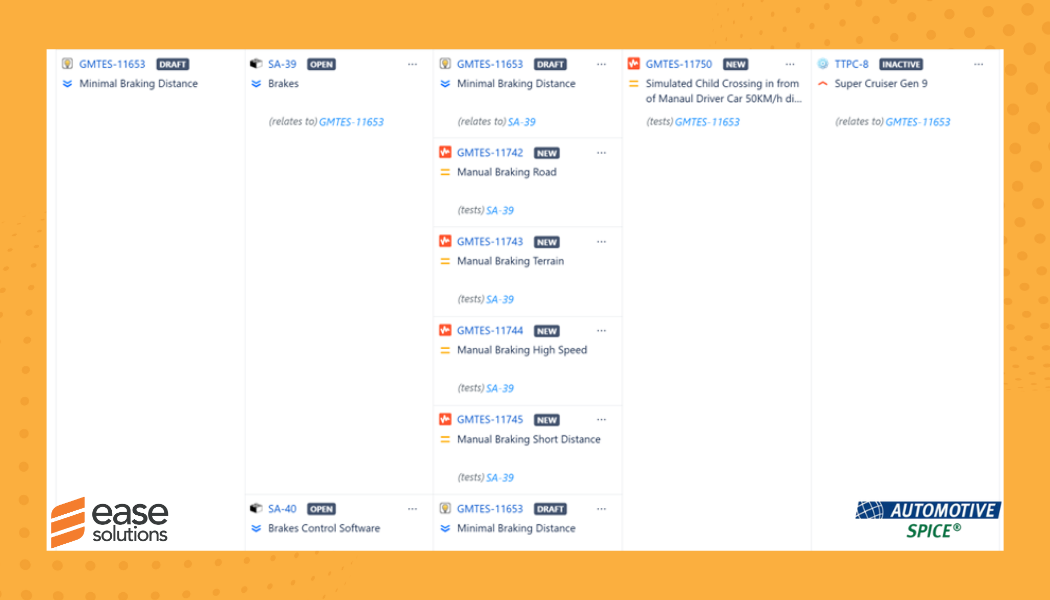
For requirements engineering, real productivity gains are achieved when AI can perform actions, such as creating, updating, or organizing requirements - while respecting structure, traceability, and permissions. Once these actions are possible, they open up the ability to perform much more complex actions such as assuring traceability over many more levels of abstraction including architecture, software tasks, software codes, bugs, and change requests. Also, the possibility of obtaining quality standards such as Functional Safety, ASPICE and others becomes easier.
The Role of the easeRequirements MCP Server
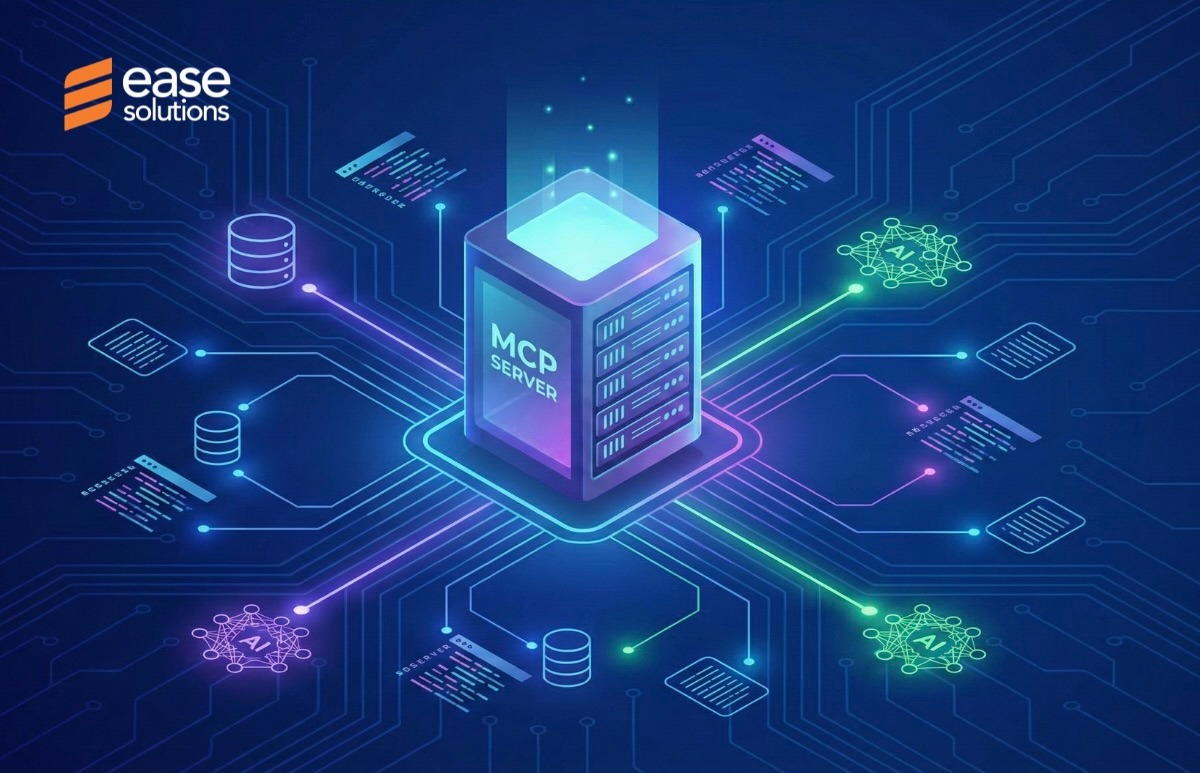
The easeRequirements MCP Server exposes a set of controlled tools that allow AI clients to interact directly with easeRequirements functionality.
Through these tools, AI can:
- Place items in the correct position within the requirements tree
- Navigate folders
- Retrieve structured requirement data
- Create traceability reports, and easily create links between many items.
- Found our anomalies, duplicate requirements, orphan requirements and unallocated requirements easily.
All actions are domain-aware and aligned with easeRequirements’ data model and governance rules.
Combining Atlassian MCP and easeRequirements MCP
When used together, Atlassian’s MCP Server and the easeRequirements MCP Server enable end-to-end workflows across Jira and requirements management.
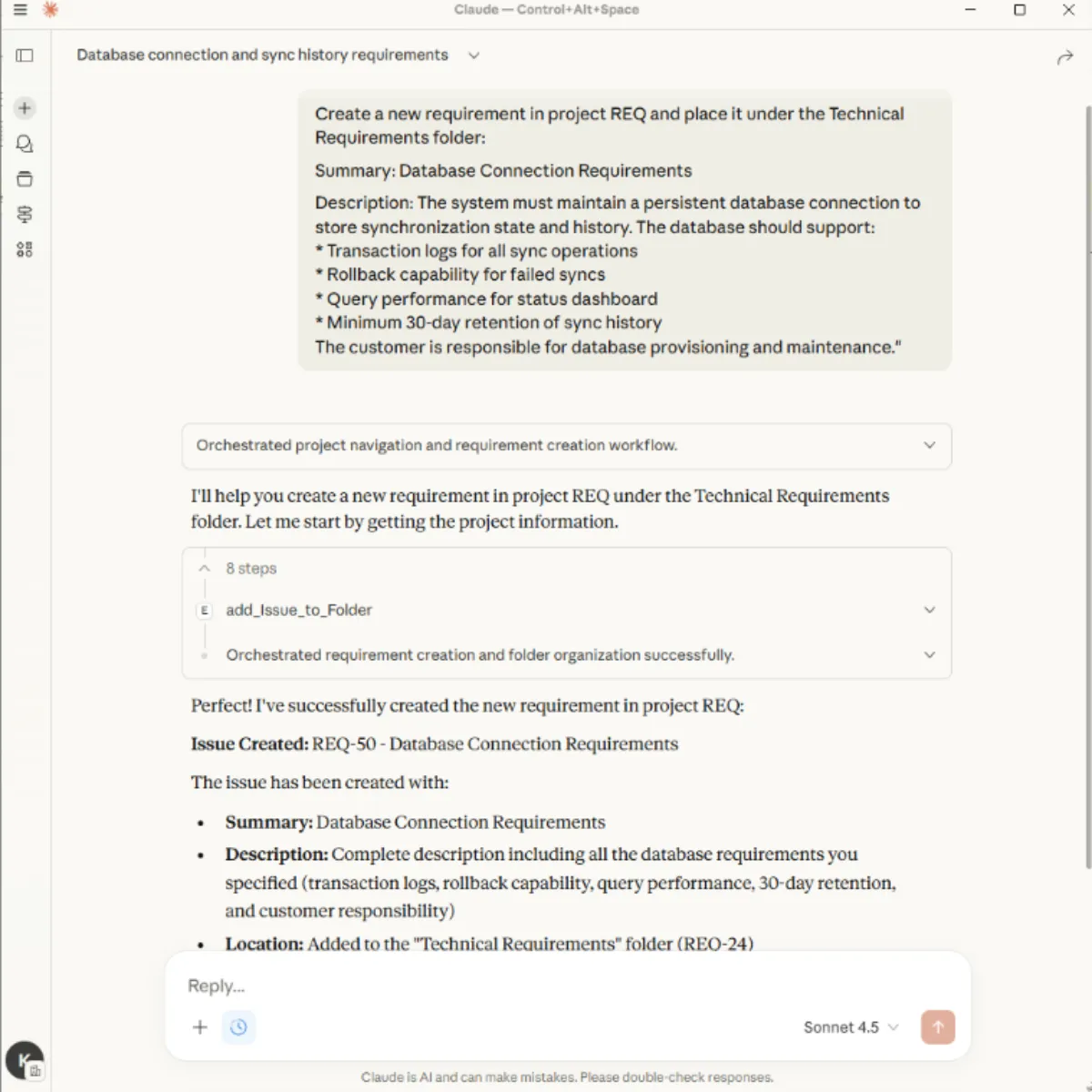
For example, an AI interaction such as:
“Create a system requirement and place it under the braking system in the requirements tree”
can be executed by:
- Using Atlassian MCP to identify the Jira project and context
- Using Atlassian MCP to create the requirement item
- Use easeRequirements MCP to place the item at the correct location in the requirements hierarchy
This combination allows AI to operate seamlessly across Jira issues and the structured requirements tree, without exposing internal APIs or bypassing permission models.
Controlled and Permission-Aware Actions
All AI-initiated actions via the easeRequirements MCP are:
- Executed on behalf of an authenticated Jira user
- Restricted to user-granted Jira sites and projects
- Validated before execution
- Fully traceable within Jira and easeRequirements
This ensures that AI behaves as a controlled assistant rather than an autonomous system.
Benefits for Requirements Engineering Teams
By enabling actionable AI workflows, easeRequirements MCP provides:
Faster interaction with complex requirement trees
Consistent application of structure and governance rules
Seamless integration with existing Jira workflows
AI becomes a practical extension of the requirements engineer’s daily work.
The Road Ahead
The introduction of MCP-based integrations opens the door to more advanced AI-assisted workflows in requirements engineering. Beyond executing structured actions, future capabilities can include intelligent comparisons of requirement items and versions, smarter exports tailored to different audiences, and deeper analysis using easeRequirements views.
These directions aim to further reduce manual effort in large-scale requirements management, while preserving structure, traceability, and governance - all within Jira Cloud–based environments.
Exploring AI with Jira and easeRequirements
AI-assisted workflows described in this article are designed for Jira Cloud environments and build on Atlassian’s Model Context Protocol (MCP).
While the easeRequirements MCP integration continues to evolve, teams interested in AI-assisted Jira workflows can already begin exploring what is possible by using Atlassian’s MCP, which is publicly available. This allows users to understand how AI interacts with Jira context, permissions, and actions - and to get familiar with MCP-based AI interactions in practice.
More information about Atlassian MCP can be found in Atlassian’s official documentation: https://developer.atlassian.com/platform/forge/model-context-protocol/
Summary
AI adds real value to requirements engineering when it can move from insights to actions.
With the easeRequirements MCP Server - combined with Atlassian’s MCP - Ease Solutions enables AI to perform structured, permission-aware operations directly within Jira and the requirements tree.
This approach unlocks end-to-end AI-assisted workflows while maintaining control, traceability, and compliance.